
"I've read twenty guides on how to become a UX Designer and I'm still at square one." We hear this sentence every week from new students, and the cause is specific: most articles tell you what to study, almost none tell you in what order and how much time to spend on it.
This piece is different. It's a 12-month roadmap divided into 4 quarters, with concrete goals for each, recommended resources, and verifiable milestones. It's not the only possible path, but it's the one we've seen work best over the years with hundreds of students starting from zero.
What you'll learn:
- The quarter-by-quarter roadmap from week 1 to your first interview
- What to know before you start (honesty about time and commitment)
- Verifiable milestones at 3, 6, 9, and 12 months
- The two alternative tracks (full-time vs part-time) with adapted timelines
- The mistakes that stretch the path by 6-12 months for no reason
Premises: what they don't tell you
Before we get into the roadmap, three truths worth knowing.
1. You need 600-1000 hours of real study. Not 40. Not 100. The range depends on your background: people coming from graphic design or development land at the low end; people coming from non-digital fields land at the high end. These hours need to be concentrated: 2 hours a day for a year is worth ten times more than 10 hours once in a while.
2. Your portfolio is 70% of the interview. Not the degree, not the certifications, not the years of "similar" experience. The portfolio is what a recruiter scans in 3 minutes to decide whether to call you. Building 2-3 solid case studies is the real goal of these 12 months.
3. The first job doesn't come after studying — it comes during it. The last 3 months of the roadmap are also dedicated to actively searching for work, not just studying. Waiting until you feel "ready" is the reason many people take 24 months instead of 12.
Quarter 1 (months 1-3): foundations
Goal: gain the vocabulary and basic methods of UX. By the end of the quarter you should be able to explain to a friend what you do without checking Wikipedia.
Month 1: what UX really is
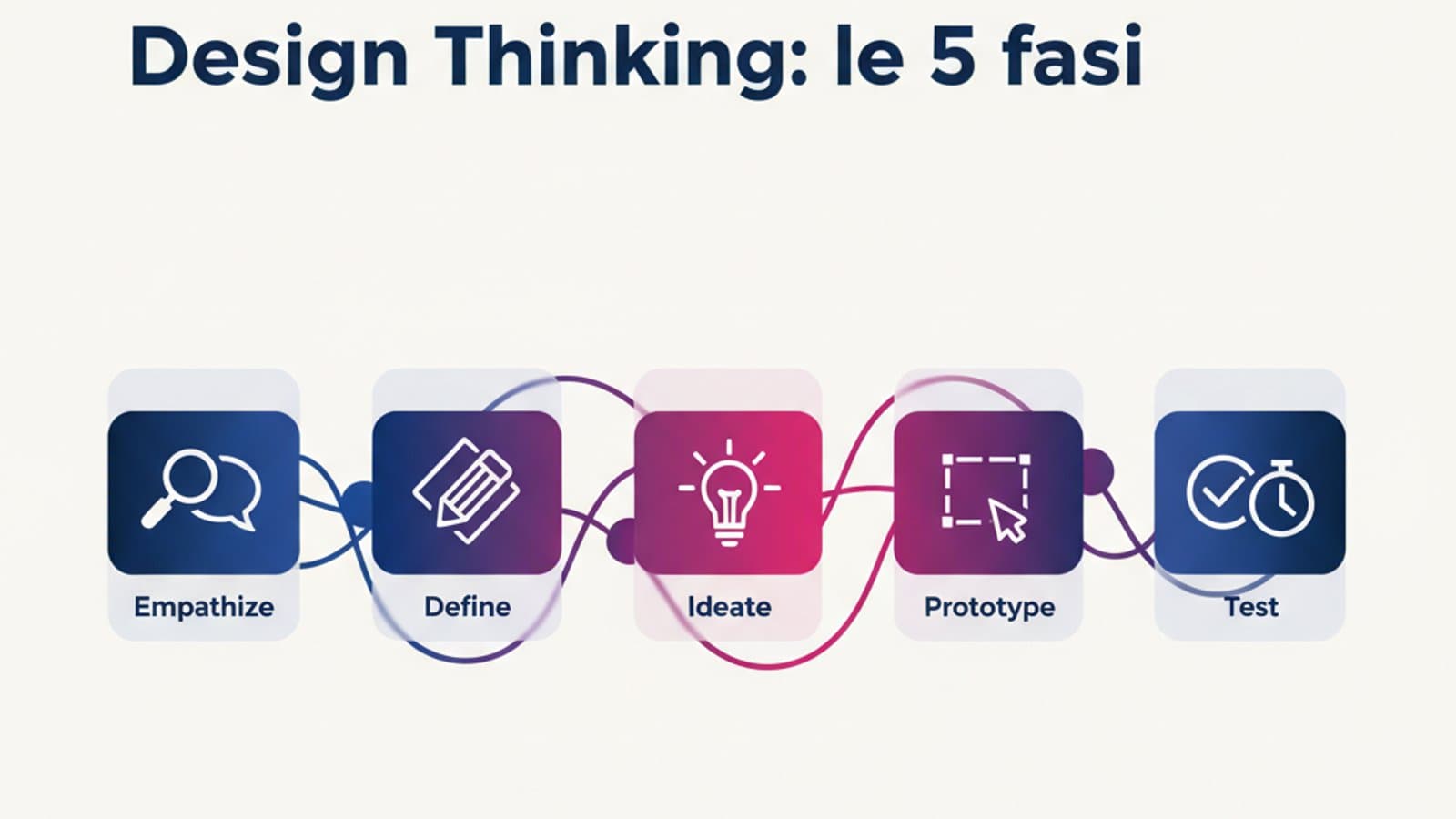
Study the landscape: what separates UX, UI, interaction design, and product design. Read the classics to build a mental framework.
- Primary reading: Don't Make Me Think by Steve Krug (5-6 hours, one weekend). It's dated but it still covers 60% of the core principles.
- Reference source: Nielsen Norman Group — read the foundational articles tagged "UX 101".
- Time commitment: 2 hours a day, 6 days a week.
- End-of-month deliverable: a document where you define, in your own words, what a UX Designer does and the 5 phases of a typical project.
Month 2: user research
The method. How to decide what to design, not how to draw it.
- User interviews: structure, bias, active listening techniques.
- Usability testing: how to set it up, how many people you need, how to analyze results.
- Personas, journey maps, empathy maps: when they really help, when they're decorative.
- Hands-on exercise: interview 3 people about their relationship with an app they use every day (Instagram, Slack, their bank). Transcribe. Extract 5 concrete insights.
Month 3: interaction design and wireframing
Time to put your hands on Figma and start drawing.
- Open Figma (here's our beginner guide) and run through 3-4 basic tutorials.
- Study Nielsen's heuristics and the 10 Laws of UX (including Hick's law).
- Exercise: redesign the checkout flow of 2 U.S. e-commerce sites. Low-fidelity wireframes, no aesthetics.
3-month milestone: you can run a heuristic evaluation of any website in about an hour and you can draw navigable wireframes.
Quarter 2 (months 4-6): your first case study
Goal: complete your first end-to-end case study, portfolio-ready. This is the most important stretch of the roadmap — many people stall here chasing perfection. Don't.
Month 4: pick the problem
The case study has to start from a real problem someone cares about (even if that someone is just you). Three types of projects that work well for early case studies:
- Redesign of a public app you use badly. Pick a concrete problem ("booking an Amtrak ticket is a nightmare") and solve it.
- Imaginary product in a domain you know. If you work in HR, design a tool for HR. If you're a musician, design an app for musicians. Domain knowledge is a huge accelerator.
- Pro-bono project for a small local business. A coffee shop, a nonprofit, a restaurant. A real client = real constraints.
Month 5: research and interaction
Apply the method you learned in Quarter 1 to your real project.
- 5 user interviews (3 minimum, 5 ideal)
- 1 competitor analysis
- Personas, journey map (only if they add value to a decision)
- User flow + wireframes
- First round of usability testing with a clickable Figma prototype
Month 6: visual and case study documentation
Dress the prototype in presentable UI (colors, typography, components) and, above all, write the case study. A solid case study contains:
- Problem + context (who, where, why)
- Research + insight (what I found)
- Design decisions (what I chose and why — the most valuable part)
- Outcome (prototype) + test results (what worked, what didn't)
- What I'd do differently (honesty = credibility)
6-month milestone: you have a complete case study published online (Notion, Medium, a personal site). It's ugly. That's fine — it's your first.
Quarter 3 (months 7-9): specialization and second case study
Goal: a more sophisticated second case study and a deep dive into an area where you want to stand out.
Month 7: pick an emerging specialization
A "generalist" junior is harder to hire than a junior with a small edge. Pick one of the areas in which you can become slightly stronger than average:
- Accessibility (WCAG 2.2, ADA, Section 508, screen readers, inclusive design): high demand, consistently undercovered talent pool.
- Specialized UX research: if you enjoy interviews and data analysis.
- Design systems: if you're rigorous and like documentation.
- UX writing: if you write well and care about language.
- Motion and micro-interactions: if you have a sense for movement.
Spend the month on readings, tutorials, and a mini-project in that area.
Months 8-9: second case study
Same structure as the first, but more ambitious. Ideally:
- A different problem than the first one (if the first was mobile, make this one web — or vice versa).
- More research methods applied (e.g., add a card sort).
- Include measurable metrics ("in a test with 5 users, task time dropped from 2:40 to 0:55").
- Work in the specialization you chose in month 7.
9-month milestone: 2 published case studies, updated resume, a polished LinkedIn profile with posts showing your journey.
Quarter 4 (months 10-12): applications and first job
Goal: land the first "yes." Don't wait until you're done studying — start applying now.
Month 10: set the stage
- One-page resume in U.S. format (name, portfolio link, 3-4 bullets per experience, soft + hard skills in the footer).
- LinkedIn profile at 100% (photo, headline, summary, all experiences, endorsed skills, original content).
- Published portfolio: the 2 case studies + an "About" page + contact info.
- Launch a third mini-project: usually a "design exercise" on a problem from Dribbble Design Challenges or LinkedIn.
Month 11: applications and networking
Don't wait for "perfect" listings. Apply to 20-30 junior openings in 4 weeks. At the same time:
- Post on LinkedIn twice a week (an insight from your studies, a reflection, a snippet from a case study).
- Ask for 3-5 info calls (15 minutes) with designers already hired at companies you're interested in — not to ask for a job, but to understand how they work.
- Attend at least 2 UX meetups or events (live or online). IxDA, UXPA, and local chapters are all good places to start. LinkedIn's Jobs on the Rise report consistently lists UX among the top growing roles.
Month 12: interview loop
UX junior interviews in the U.S. and U.K. usually follow this shape:
- Recruiter screen (30 min)
- Portfolio review with the design manager (45-60 min)
- Design challenge: a case to solve (take-home 2-3 days, or live 60 min)
- Culture fit / team interview (30-60 min)
Prepare your portfolio review: you should be able to tell each of your 2 case studies in 15 minutes, highlighting decisions and trade-offs, not aesthetics.
12-month milestone: first "yes" received, or 2-3 loops reaching the final stage with constructive feedback (and course correction).
The two versions of the roadmap
Full-time (recommended if you can afford it)
20+ study hours per week, routine similar to a job. In this mode, 12 months is realistic. It's the most effective track but requires savings, a supportive household, or a leave of absence from your current job.
Part-time (the majority)
8-12 hours a week alongside a job. In this mode the roadmap stretches to 18-20 months. The biggest risk isn't slowness, it's interruption — 3-4 week pauses that destroy your rhythm. The people who make it are the ones who study a little, but every week.
Mistakes that stretch the journey
The mistakes we see most often:
- Studying without producing. Reading books without touching Figma is piling up sterile theory. The rule: every hour of theory should be followed by 2 hours of practice.
- Perfectionism on the first case study. The first one is always ugly. Publish it anyway, move on to the second.
- Skipping research. "I know what the user wants, I'll just build it" = a portfolio full of screens with no process. Recruiters see through it immediately.
- Comparing yourself to seniors. You're a junior — you don't have to design like Airbnb. You have to show process and potential.
- Applying too late. Starting at month 12 instead of 10 pushes the first job back 3-4 months.
- Ignoring data and business context. UX that can't speak to metrics, revenue, and product strategy gets stuck at the junior level. Start reading basic analytics early.
Frequently asked questions
Do I need a degree to become a UX Designer?
No. According to the U.S. Bureau of Labor Statistics, design roles increasingly list a bachelor's degree as "preferred but not required," and the portfolio carries significantly more weight. People with degrees in design, psychology, HCI, or computer science start with a marginal advantage; those without one make it up with solid case studies.
Can I become a UX Designer at 40?
Yes. A meaningful share of our students are between 35 and 50 and are career switchers. Experience in other fields (marketing, HR, healthcare, finance) becomes a real advantage when you design products for those domains.
How much does it cost to become a UX Designer?
Direct costs are modest: a serious structured course ($900-$2,500), Figma (free for students), a few books ($100), research tools ($50-$200/year). The real cost is time — 600-1,000 hours — and the opportunity cost if you slow down your current job to study.
Online courses or intensive bootcamps?
Depends on time and budget. Intensive bootcamps (3-6 months full-time, $8k-$15k) are faster but expensive and require you to stop working. Mentor-backed online courses are more affordable, compatible with a job, and offer a sustainable pace. Both work — the decisive factor is the presence of a mentor who reviews your work.
Can I build my first portfolio without real clients?
Yes, in 90% of cases that's exactly how it goes. Redesigns of public apps and well-documented imaginary projects are perfectly acceptable for a first portfolio. What matters is the documented process, not the existence of a client.
Next steps
This roadmap is the skeleton. To fill it with the right content, start here:
- Dig into what a UX Designer actually does to calibrate expectations for the role.
- Read about UX Designer salary ranges to understand where you're aiming. Data from Glassdoor, Levels.fyi, and BLS.
- Start studying Figma right away with our beginner tutorial.
If you want to compress the 12 months into a guided path with a personal mentor who reviews every single exercise, CorsoUX's complete UX Design course is built exactly for that. You can start for free and decide later.