UI Design — User Interface Design — is the craft of turning product strategy and interaction decisions into a coherent visual language: typography, color, spacing, components, icons, states. If interaction design decides how it works, UI design decides how it looks — and the two are inseparable in the final product.
This complete guide covers what UI Design is in 2026, the core principles that separate strong visual work from mediocre work, the standard industry tools, the UI Designer's role in modern product teams, and US/UK salaries.
What you'll learn:
- What UI Design is and how it differs from UX and graphic design
- The 7 core principles of visual design for interfaces
- The tools dominating the field in 2026
- The UI Designer's role and responsibilities in a product team
- US and UK salaries by seniority level
- How to build a career as a UI Designer
What UI Design is
UI Design handles the visual representation of a digital product. It's where decisions about structure, flow, and behavior take form in finished screens: precise colors, chosen typography, measured spacing, components defined down to the detail.
How it differs from the other disciplines under the UX umbrella:
- User Research: decides what to build (who the user is, what they want)
- Interaction Design: decides how it works (flows, states, behaviors)
- UI Design: decides how it looks (visual language, components, design system)
- UX Writing: decides how it speaks (microcopy, voice & tone)
In practice, boundaries blur. A "Product Designer" is the most common title in US and UK job ads and typically covers interaction, visual, and some strategy. In more mature design orgs (Google, Meta, Airbnb, Shopify) the roles split into specialists.
UI Design is not decoration. It's visual function: every choice (why this font, why this color, why this spacing) answers a specific objective — directing attention, communicating hierarchy, conveying brand personality, ensuring accessibility.
UI Design vs Graphic Design
A common mistake is confusing UI Design with graphic design. They overlap in fundamentals (typography, color, composition) but pursue different goals:
- Graphic Design: static visual communication (logos, posters, brochures, packaging). The design is consumed by the viewer.
- UI Design: interactive visual communication (apps, websites, dashboards). The design is used by someone who interacts with it.
A brilliant graphic designer isn't automatically a strong UI designer. UI design demands systems thinking (patterns, components, multiple states), digital fluency (responsive, accessibility, performance), and sensitivity to interaction (hover, click, transitions). These are additive skills on top of pure graphic design.
The 7 core principles of UI Design
1. Clear visual hierarchy
The first thing the eye should see is the most important element. Hierarchy is built with:
- Size: bigger = more important
- Typographic weight: bold = more important
- Color and contrast: saturated and high-contrast = more important
- Position: top-left typically reads first in left-to-right cultures
- Space: more surrounding space = isolation and relevance
An interface where everything is "equally important" is an interface where nothing is important.
2. Intentional use of color
Color in UI serves three functions:
- Brand: communicates identity and personality
- Semantics: carries meaning (red = error, green = success, etc.)
- Hierarchy: emphasizes primary elements
A typical modern design system palette includes: 1-2 primary brand colors, 1-2 semantic colors (success, error, warning, info), a neutral gray scale (8-12 shades from white to black), and optional accent colors.
Contrast must meet at least WCAG 2.2 AA (4.5:1 for body text, 3:1 for large text) — the standard enforced by the ADA in the US, Section 508 for federal contractors, and the Equality Act 2010 in the UK. Read the color accessibility guide to dig deeper.
3. Typography as a system
Typography is probably the most underrated element of UI Design. A solid typographic scale includes:
- Two fonts max: one for headings (typically a contemporary sans-serif), one for body (highly legible). More than two creates noise.
- Modular scale: 6-8 predefined sizes with a consistent ratio (12, 14, 16, 18, 24, 32, 48, 64 px is a classic example)
- Consistent weights: regular, medium, bold. Rarely more.
- Proportional line-height: 1.4-1.6 for body, 1.1-1.3 for headings
Read the guide to fonts and typefaces to go deeper.
4. Space as active construction
White space isn't "empty": it's one of the most important elements of design. It's used to:
- Separate groups of related content (the Gestalt principle of proximity)
- Give visual breathing room and lower cognitive load
- Emphasize elements (an element with plenty of space around it commands more attention)
- Guide the rhythm of reading the page
A seasoned designer instantly recognizes an interface that's "too full" or "too empty". Balance isn't a rule: it's a trained sensitivity built through practice.
5. Reusable components
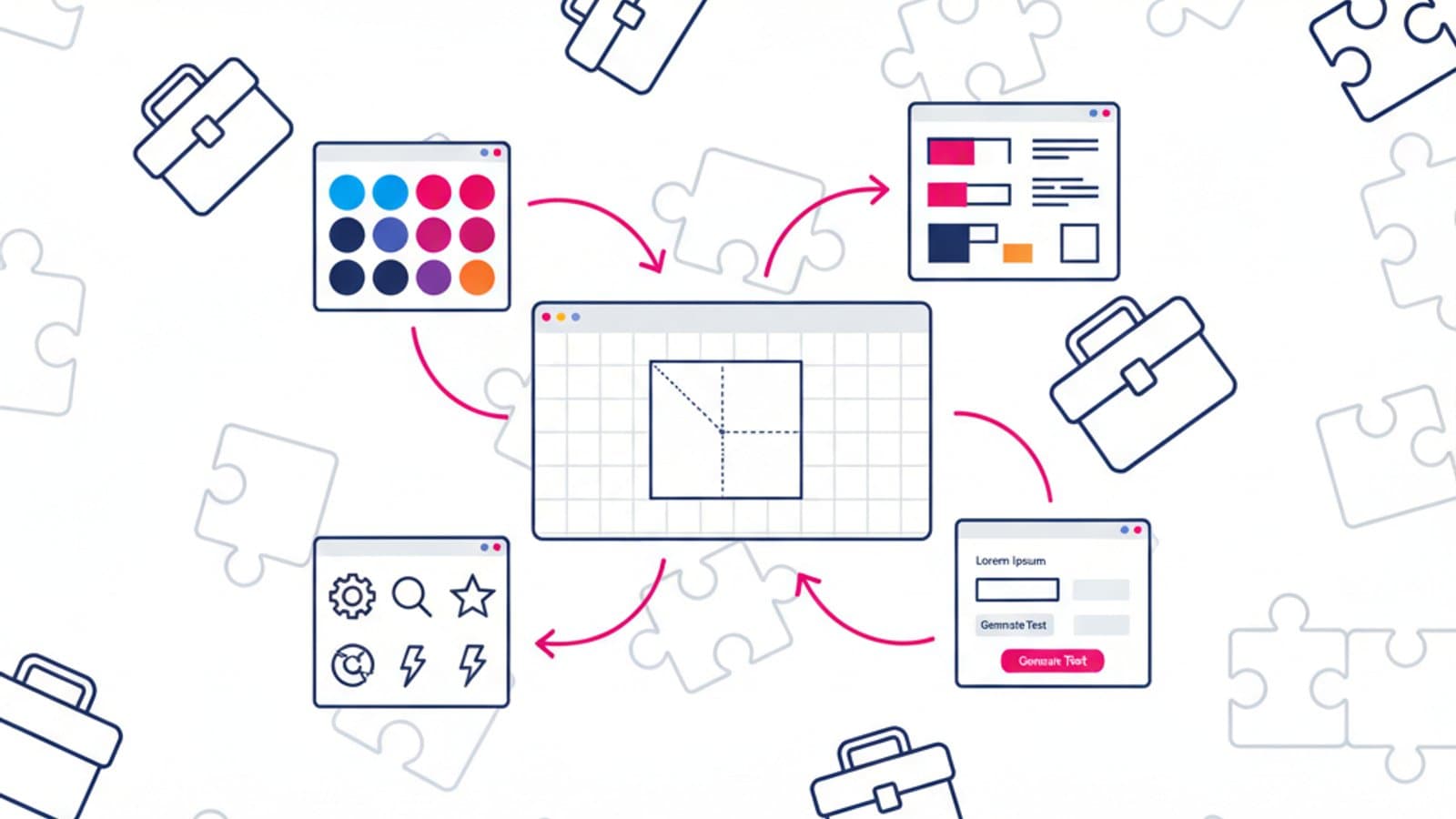
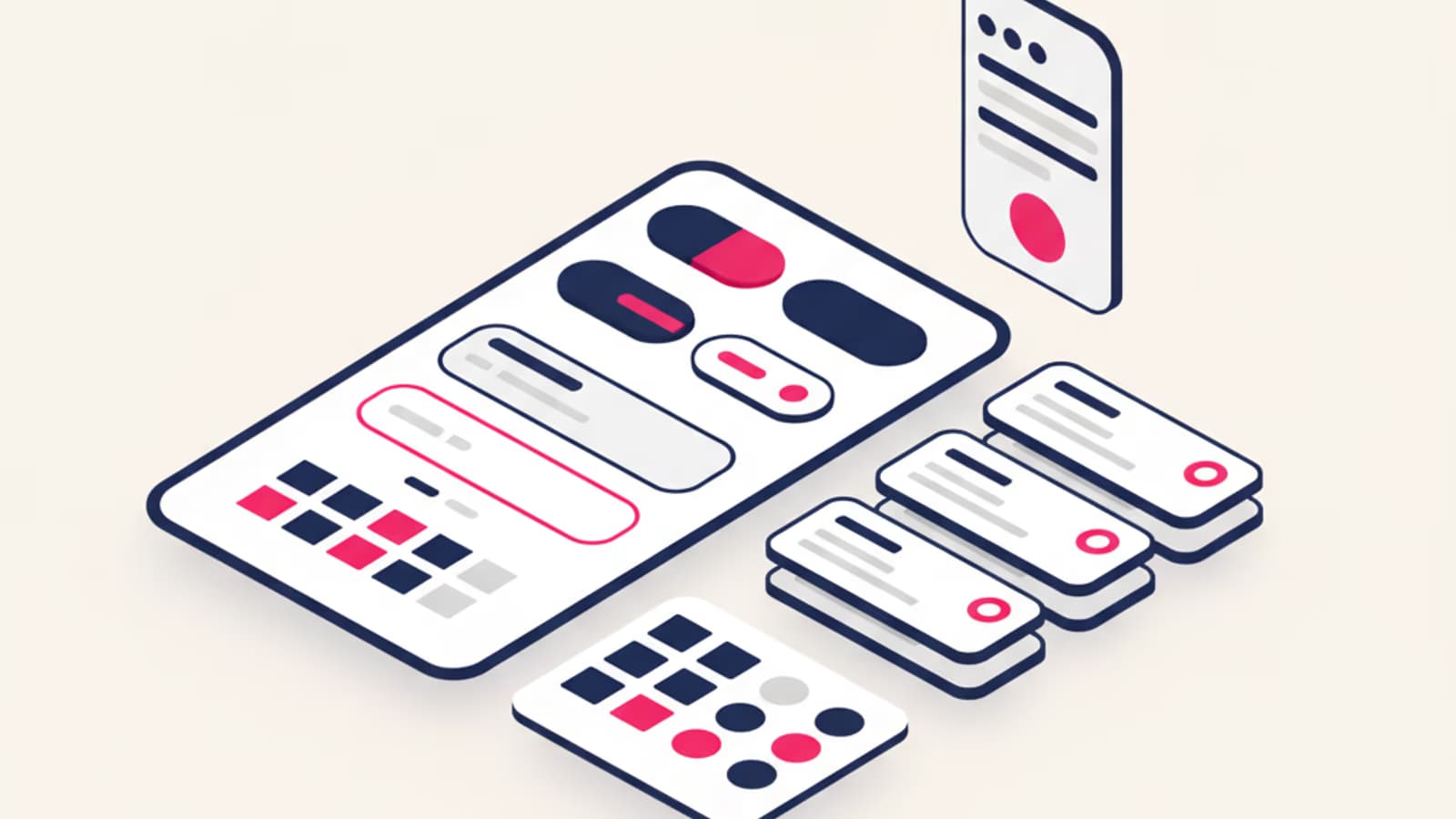
Modern UI Design is component-driven. Instead of drawing every screen from scratch, you build a library of components (buttons, inputs, cards, modals, etc.) and combine them to compose screens.
The design system is the strategic deliverable of a senior UI Designer. It guarantees:
- Consistency at scale (every instance of the same component is identical)
- Speed of work (you don't reinvent the wheel daily)
- Accessibility handled once for everyone (the accessible button becomes the default)
- Maintainability (change the component, every instance updates)
6. Accessibility built in from day one
Good UI Design respects accessibility standards from the first decisions, not as a post-hoc patch. That means:
- Minimum WCAG 2.2 AA contrast for text and interactive elements
- Touch targets of at least 44×44 pt on mobile (Apple HIG) or 48×48 dp (Material)
- Never rely on color alone for meaning (error = red + icon + text)
- Clear focus states for keyboard navigation
- Semantic heading hierarchy (H1, H2, H3 in order)
In the US, the ADA has been interpreted to cover digital properties since Gil v. Winn-Dixie (2017); in the UK, the Equality Act 2010 applies the same way. A beautiful but inaccessible design is a failed design — and a legal risk.
7. Consistency without monotony
Consistency means similar elements behave in similar ways. It doesn't mean everything has to look identical. Good UI Design holds structural consistency (the same visual language) while introducing intentional variation where emphasis, visual break, or specific context call for it.
The UI Design tools in 2026
Figma is the dominant UI Design tool in 2026. It covers nearly the entire workflow:
- Component design
- Variants and auto-layout
- Design systems with shared libraries
- Interactive prototyping
- Developer handoff (Dev Mode)
- Real-time collaboration
Alongside Figma:
- Figma Dev Mode for developer handoff with code snippets and specs
- Stark for accessibility checks (contrast, color-blindness simulation, WCAG auditing)
- Tokens Studio for advanced design token management (typography, color, spacing variables shared with engineering)
- Rive and Lottie for complex UI animations ready to ship
Sketch and Adobe XD still exist but their market share has shrunk dramatically. Framer is growing as an alternative for designers who integrate real code. At enterprise scale, some teams pair Figma with Storybook for component documentation maintained by engineering.
To learn Figma from zero read the Figma tutorial.
The UI Designer's role in a product team
In a structured product team, the UI Designer works closely with:
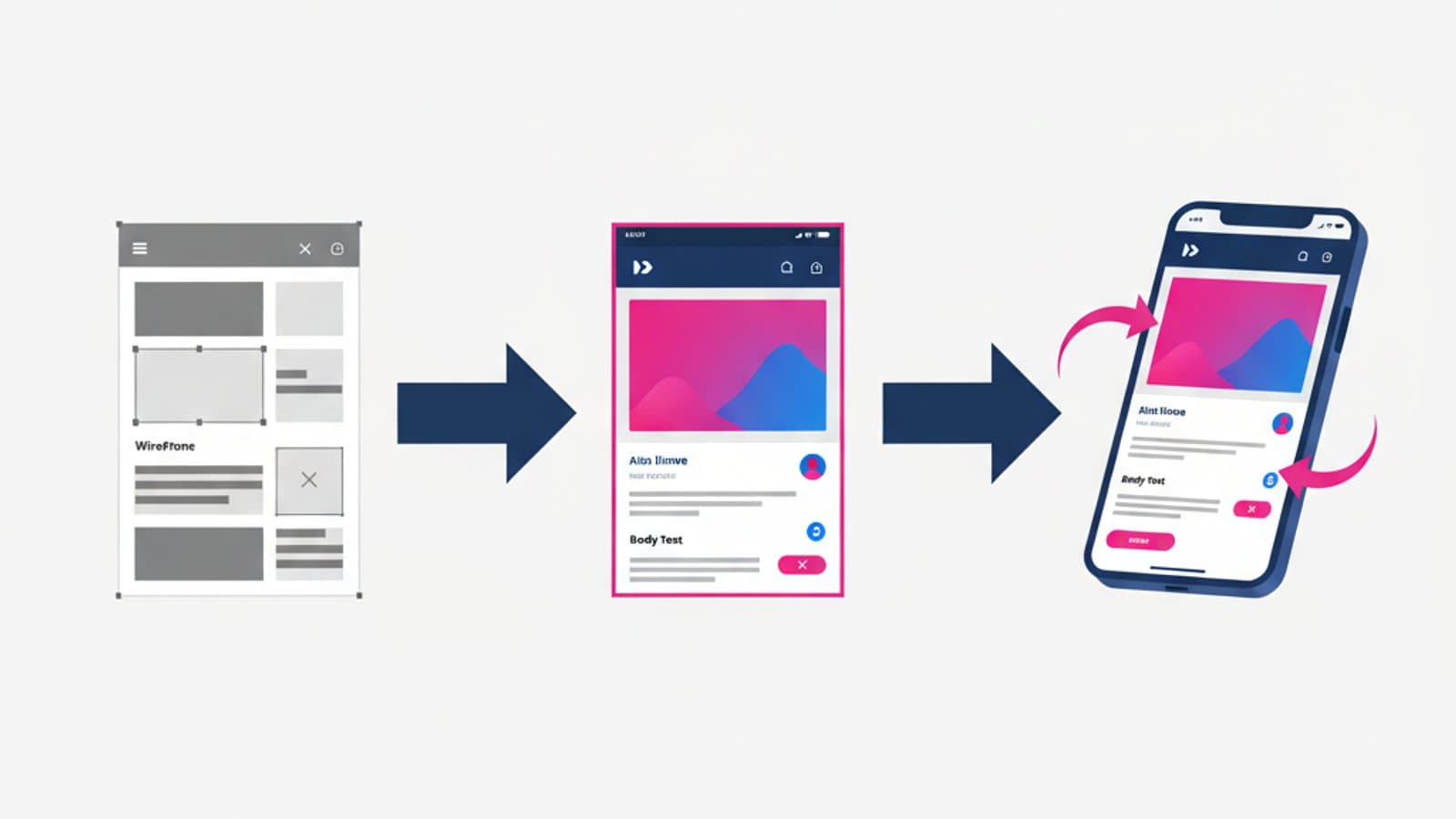
- Interaction / UX Designer: receives wireframes and turns them into finished design
- Motion Designer / Front-end engineer: collaborates on animations and transitions
- Product Manager: participates in planning and priority calls
- Engineers: daily handoff, implementation review
- Marketing / Brand Team: consistency between product and external communication
A senior UI Designer spends a significant share of their time on the design system: maintenance, evolution, component documentation. It's not the glamour of designing new screens, but it's where real product impact is built. At places like Shopify (Polaris), IBM (Carbon), or Atlassian, design system designers are among the highest-paid IC roles on the design org chart.
UI Designer salaries in the US and UK in 2026
US UI / Product Designer salaries 2026 (Levels.fyi, Glassdoor, BLS):
- Junior (0-2 yrs): $85-115k base
- Mid (2-5 yrs): $120-160k base
- Senior (5-8 yrs): $160-210k base, $230-320k total comp at big tech
- Staff / Principal (8+ yrs): $210-290k base, $350-500k+ total comp
UK UI / Product Designer salaries 2026 (Glassdoor UK, LinkedIn Jobs on the Rise):
- Junior: £38-52k
- Mid: £55-78k
- Senior: £82-115k
- Lead / Principal: £115-155k+ at London tech companies
Senior designers who own mature design systems at tech companies (Google, Meta, Stripe in SF; Monzo, Revolut, Deliveroo in London) reach the top of the range. Fully-remote contracts with US companies push UK comp up by 40-80%. For the full UX salary picture read the UX salary guide.
How to become a UI Designer
The recommended path:
- Visual design fundamentals: typography, color theory, composition, grids. Foundations come from classic books (Tschichold, Müller-Brockmann) and modern resources like Refactoring UI.
- Advanced Figma fluency: components, variants, auto-layout, interactive components, libraries, design tokens.
- Study public design systems: Material Design 3, Apple Human Interface Guidelines, IBM Carbon, Shopify Polaris, Atlassian Design System. These are free manuals of enormous value.
- Constant practice: redesign existing interfaces, join design challenges, build personal projects.
- Portfolio with 2-3 case studies that show process, not just pretty renders. Include variants, states, components — not only the "hero shot".
For the detailed roadmap read how to become a UX Designer.
Frequently asked questions
What's the difference between UI Designer and UX Designer?
In the pure roles: UX Designer does research, flows, wireframes (the "what and how it works" part). UI Designer does the finished visual, components, and design system (the "how it looks" part). In the US and UK both are often combined under the title Product Designer.
Does a UI Designer need to do user research?
At an operational level, yes. You don't have to be the team's lead researcher, but you have to read research data, understand decisions, and take part in informed critiques. A UI Designer who designs "by eye" with no link to research is a disappearing role.
Can I become a UI Designer without being an artist?
Yes. UI Design isn't art: it's systems design. You need basic visual sensitivity (trained by looking at and copying a lot), structured thinking, and rigor in documentation. People coming from pure fine art sometimes struggle more than people coming from engineering with good taste.
Is Figma the only tool I need to learn?
Practically yes, at least for daily work. Knowing the supporting tools (Stark for accessibility, Tokens Studio for design tokens, Rive/Lottie for animations) is a plus. Sketch and Adobe XD are nice-to-have but rarely required in US and UK job ads in 2026.
How long does it take to become a UI Designer?
From zero: 8-12 months of focused study plus practice. From graphic design: 4-6 months focused on digital. From front-end engineering: 6-10 months focused on the visual side.
Are design systems becoming more important?
Yes, rapidly. In 2026 most medium and large tech companies have a proprietary design system. A UI Designer who can design, maintain, and evolve a design system is far more hireable than one who can only draw individual screens.
Next steps
UI Design is one of the most in-demand and best-paid disciplines in the digital world. To build your path:
- Learn Figma at an advanced level
- Study typography and typefaces
- Dig into the Gestalt principles behind every visual choice
- Read what a UX Designer does to understand the full context
CorsoUX's Visual Design module is one of the four core tracks of the program, with senior mentors who review every exercise and walk you through building a UI Design portfolio ready for interviews.